
Disclosure: This page contains affiliate links. Last updated: 29 September 2026. Planning ranges from typical nameplates — not a lab certificate. How we review.
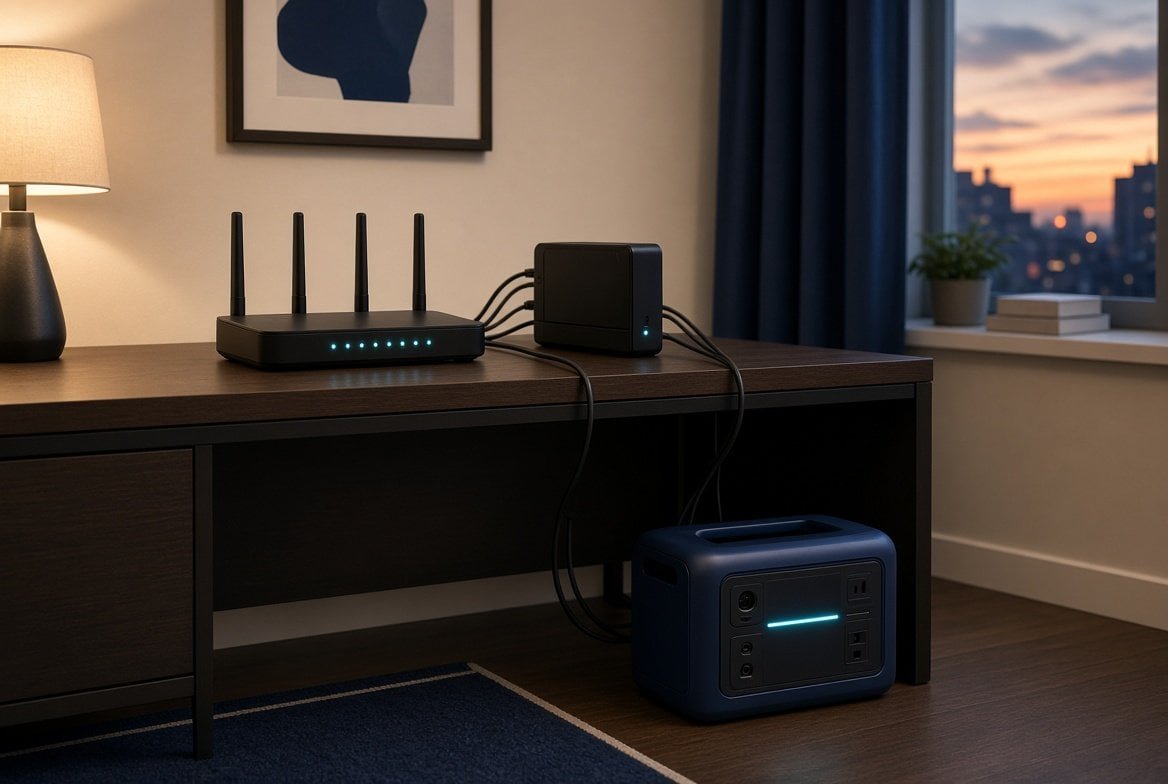
A router is a small load. An outage is a long one. The station fails when you add the modem, a mesh node, and a laptop on the same strip.
Size it the same way as every load on this site: running watts, hours, then usable watt-hours. Surge almost never decides this job.
Method: Size the Load. Fridge and CPAP still use more energy than a gateway: Refrigerator · CPAP.
The three numbers
| Number | Typical range | What it decides |
|---|---|---|
| Router only | 8–20 W | Whether a 256–300 Wh travel pack covers a day |
| Router + modem / ONT | 20–35 W | Whether you leave the travel class |
| Hours | Plan 24 | Energy, not the inverter |
Most home gateways sit near 10–15 W. A separate cable modem or fiber ONT adds 8–15 W. Each mesh satellite adds another 8–12 W.
Surge is a few tens of watts. If a station can run a fridge compressor, it can start a router.
Math
Wh needed ≈ watts × hours
Sticker ≈ Wh needed ÷ 0.85
A — router only, 12 W, 24 h
12 × 24 = 288 Wh load → 288 ÷ 0.85 ≈ 339 Wh sticker.
A 256–300 Wh pack is a tight day. No laptop.
B — router + modem, 28 W, 24 h
28 × 24 = 672 Wh load → ≈ 791 Wh sticker.
Step to 500 Wh–1 kWh if you want reserve.
C — gateway + one mesh node + phone, 40 W, 24 h
40 × 24 = 960 Wh load → ≈ 1,130 Wh sticker.
This is a 1 kWh-class job if the outage lasts the day.
Add a laptop at 40–60 W and the “just the internet” pack is no longer honest.
Station class
| Class | Sticker Wh | Honest router job | Not for |
|---|---|---|---|
| Travel 256–300 Wh | One day, router only | Modem + mesh + laptop | |
| 500 Wh class | Router + modem, one day, some reserve | Two days, no recharge | |
| 1 kWh class | Gateway, mesh, phones, a work block | Buying it only because an ad said “home backup” |
A travel pack that is tight on a CPAP night can still cover a router day. Do not assume the same pack covers both at once. Add the watts.
Apartment / renter
No panel work. Plug the gateway into the station. Keep the ISP box on the same strip — a router with no modem is a dark LED.
This load is why a small station still earns a place in a rental when a $15k wall pack is not an option. Portable vs installed.
FAQ
Only if the router accepts USB-C input at the watts it needs. Most home gateways want a wall wart. Plan an AC inverter station unless the spec sheet says otherwise.
No. This page sizes power for your gateway. The ISP still has to have a live last mile.
Add the watts. The fridge surge still rules the inverter. The router only adds watt-hours. Refrigerator.
Watts vs watt-hours: Watt-hours vs watts.